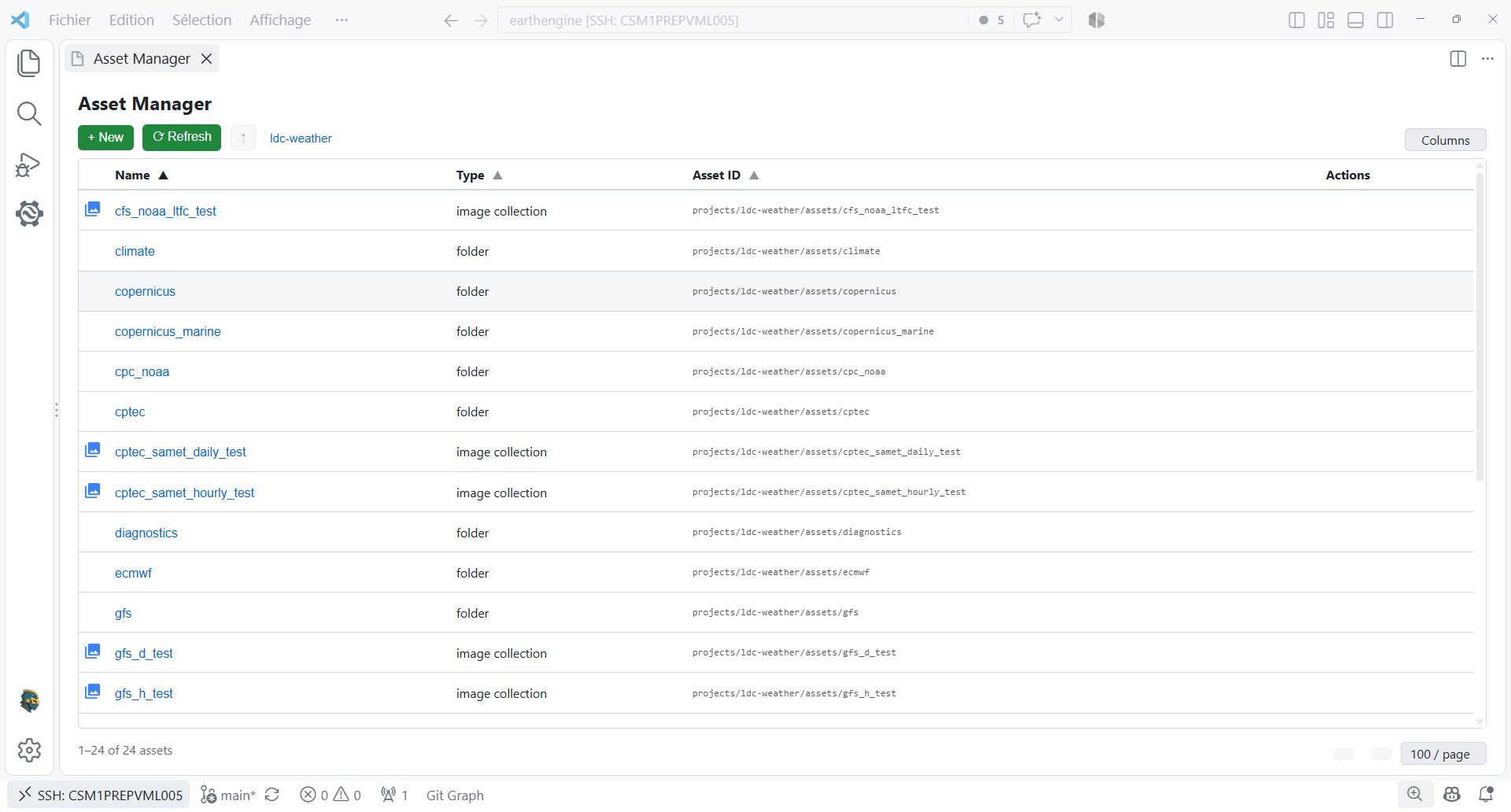
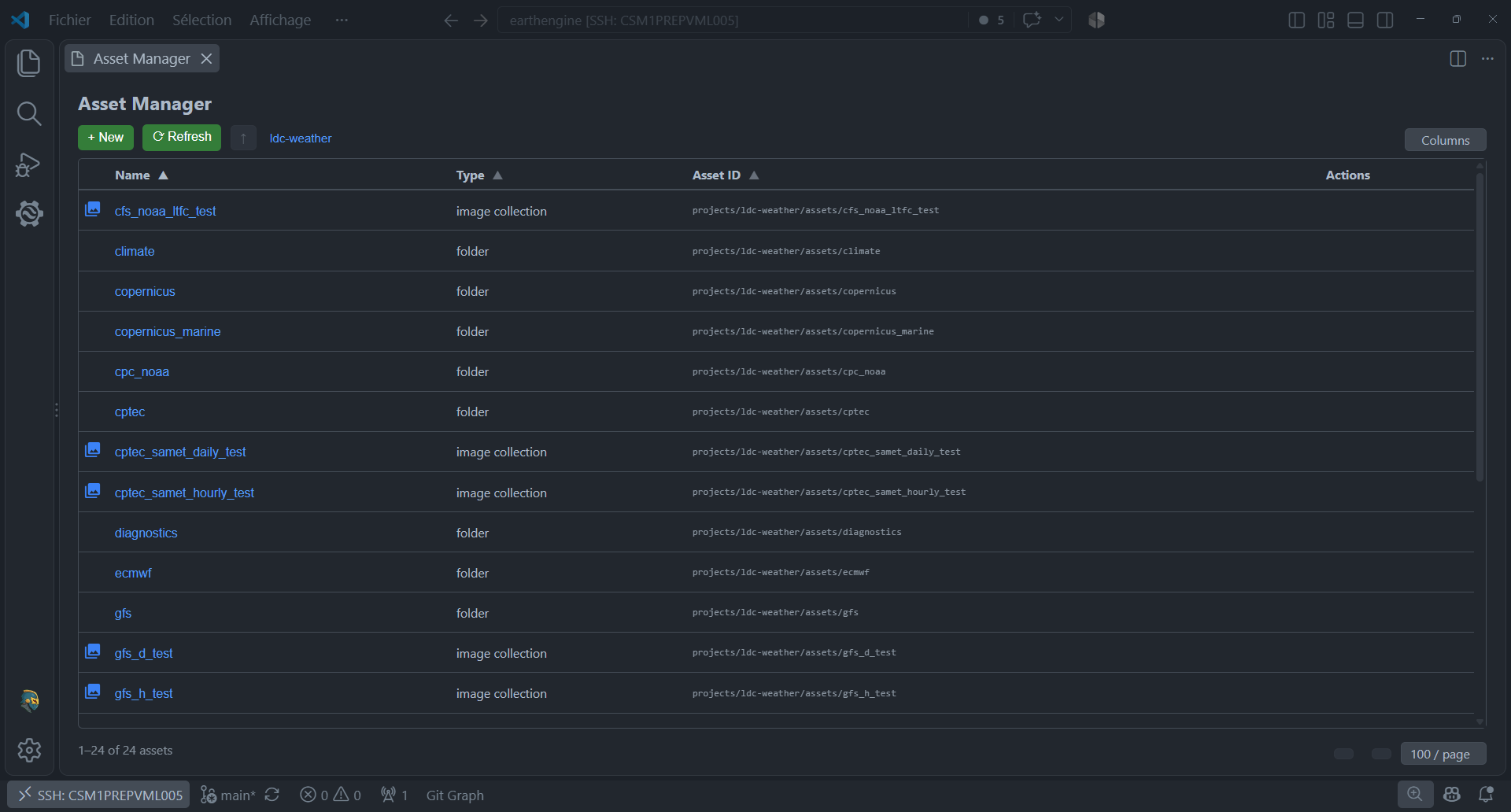
Asset Manager editor
The Asset Manager is a full Webview editor opened from the Assets section. It provides breadcrumb navigation and a sortable, paginated asset table for the active project.
Drill into folders and ImageCollections, preview assets, create folders, and invoke copy, move, and delete actions. Recursive operations report the complete asset path currently being processed in the VS Code notification area.