Extension overview
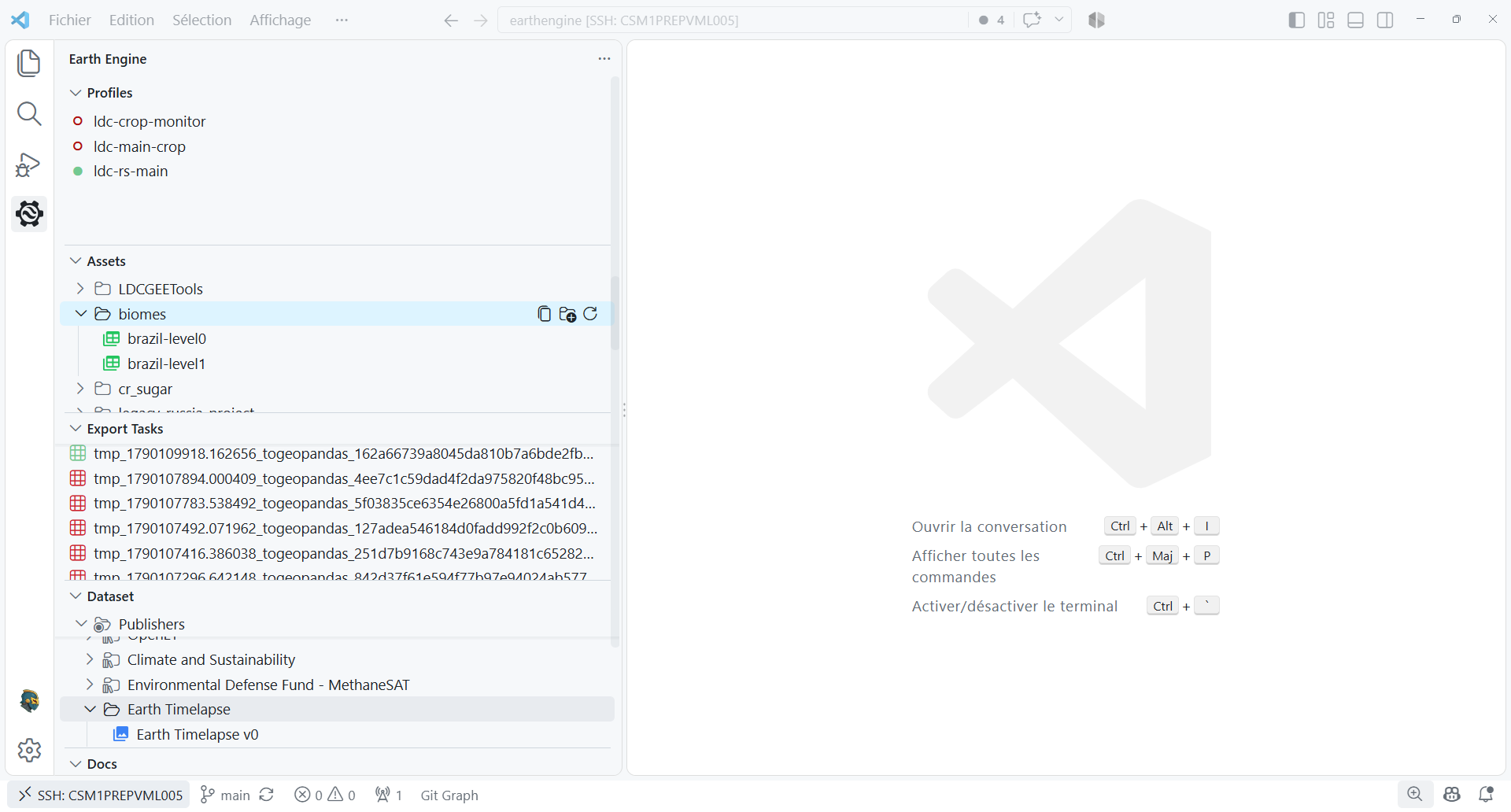
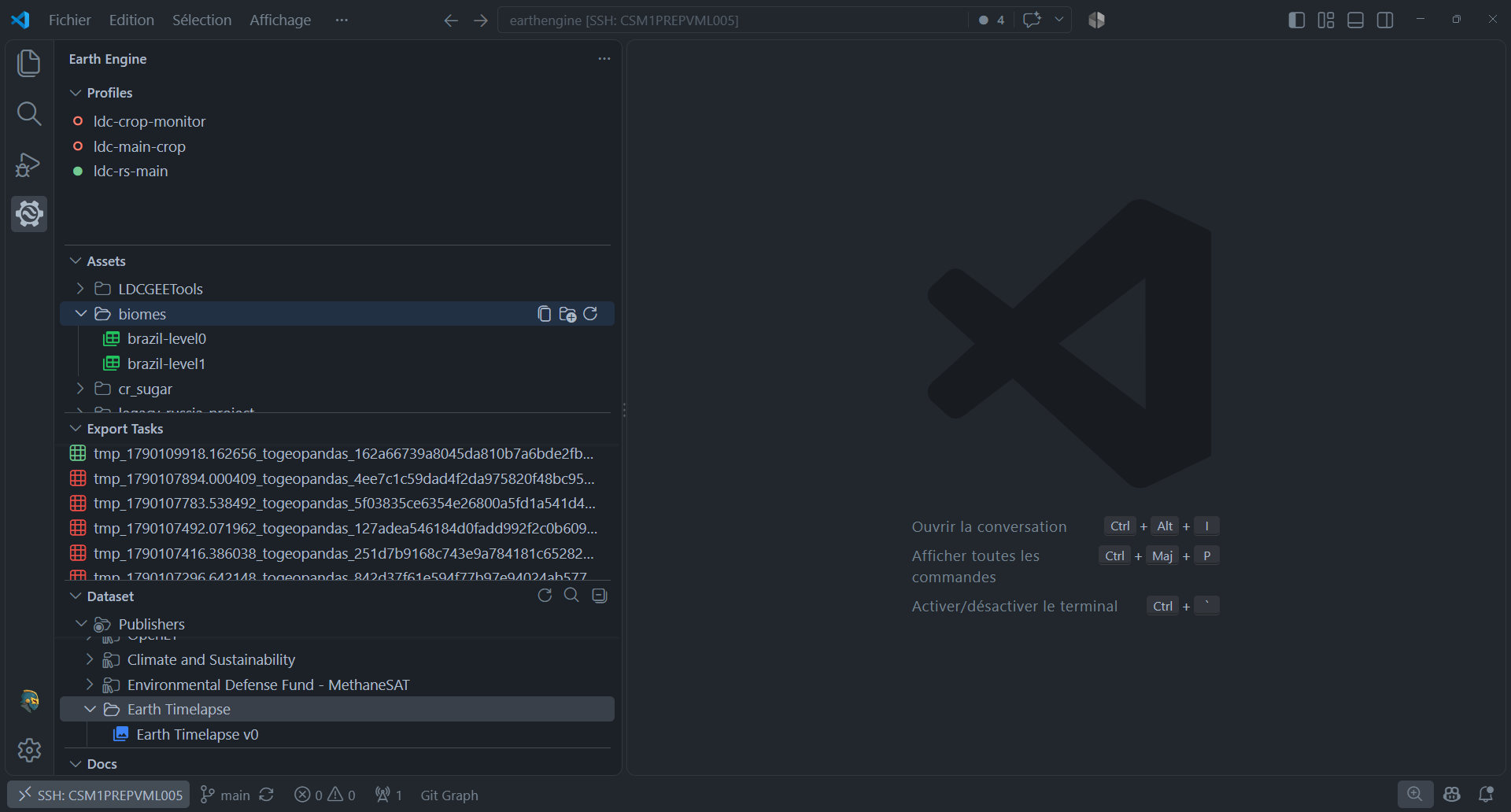
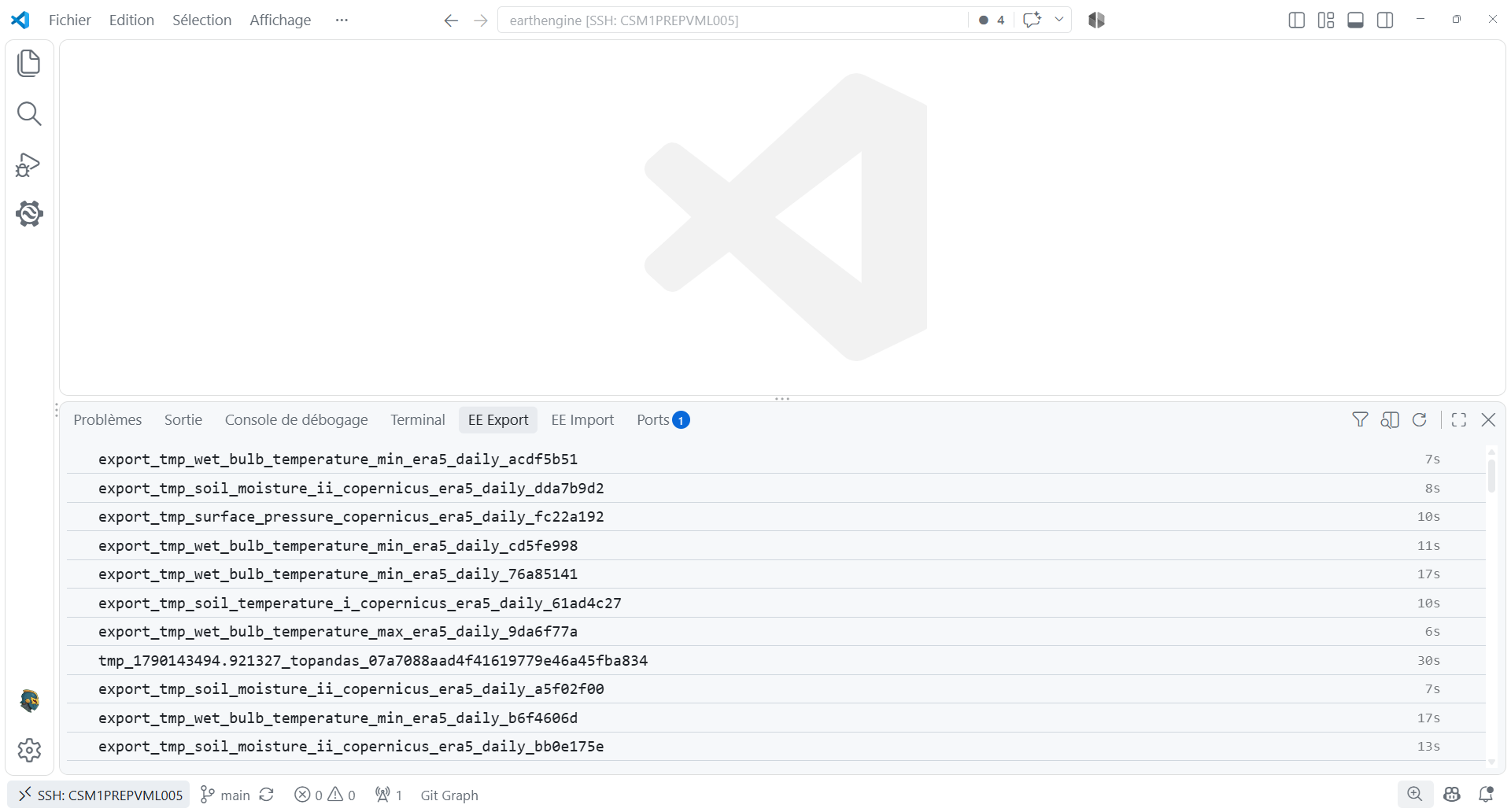
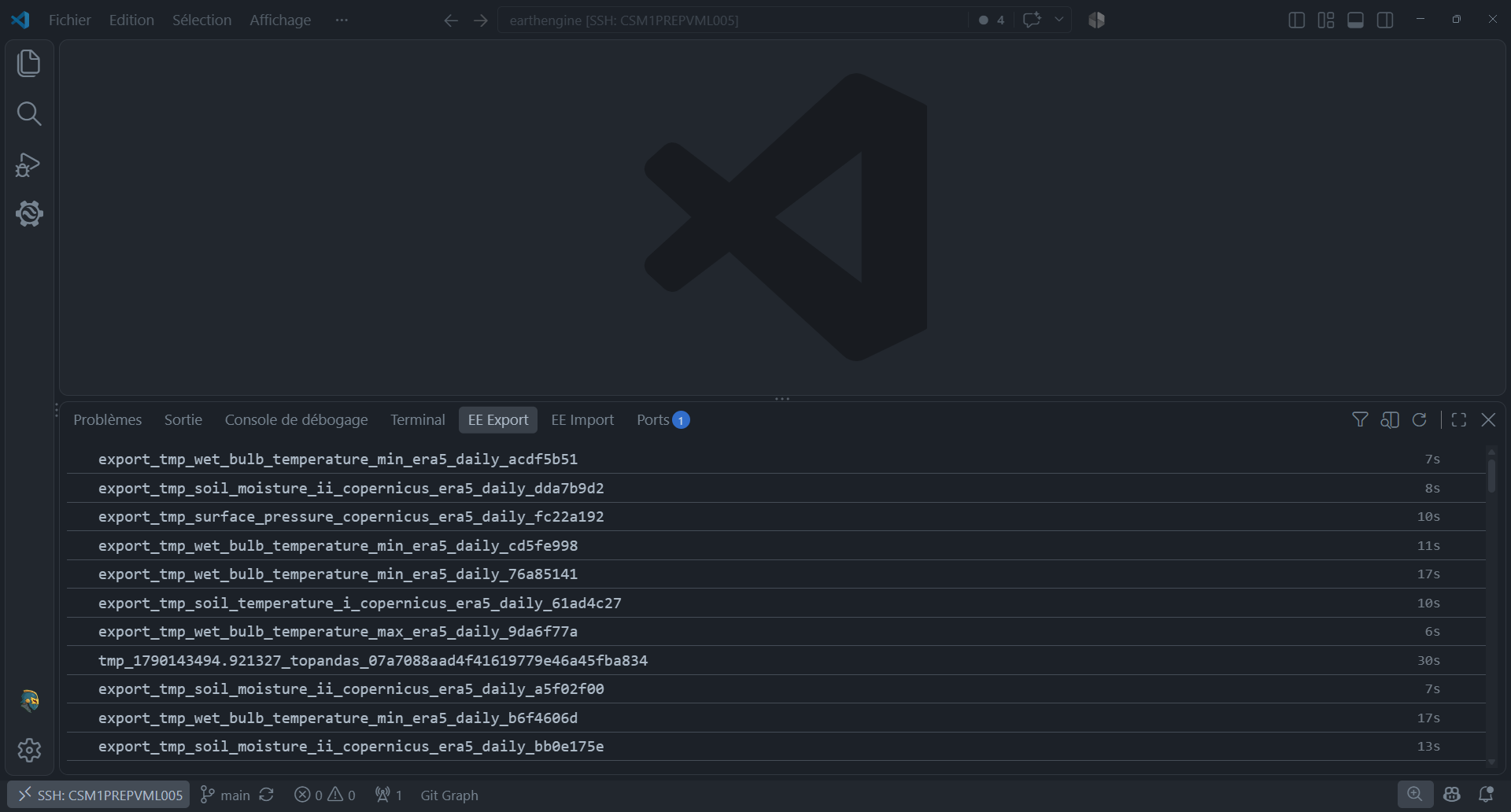
The extension uses three distinct VS Code surfaces: Activity Bar sidebar views for discovery, docked Panel views for compact task monitoring, and Webview editors for detailed work. Sidebar collections are lazy-loaded where collections can be large; singleton editors preserve their state while you switch between tabs.
Sidebar sections
| Section | Purpose | Primary actions |
|---|---|---|
| Profiles | Authenticate and choose the active project profile. | Add, activate, sign out, remove, create a Python script. |
| Assets | Browse the Earth Engine asset hierarchy. | Search, refresh, create folders, preview, copy, move, delete. |
| Docs | Browse the Earth Engine JavaScript API. | Search and refresh the local API registry. |
| Export Tasks | Monitor export operations. | Filter, refresh, cancel, open the full task editor. |
| Import Tasks | Monitor ingestion and import operations. | Filter, refresh, cancel, open the full task editor. |
| Dataset | Explore Google, Publisher, and Community catalog entries. | Search, refresh, open details, copy an ID, open the source page. |
Docked Panel views
| Panel | Container | What it provides |
|---|---|---|
| EE Export | Bottom Panel | Compact, live list of export operations with state, elapsed time, cancellation, and result preview actions. |
| EE Import | Bottom Panel | Compact, live list of import operations with state, elapsed time, cancellation, and result preview actions. |
Webview editors
| Editor | Opens from | What it provides |
|---|---|---|
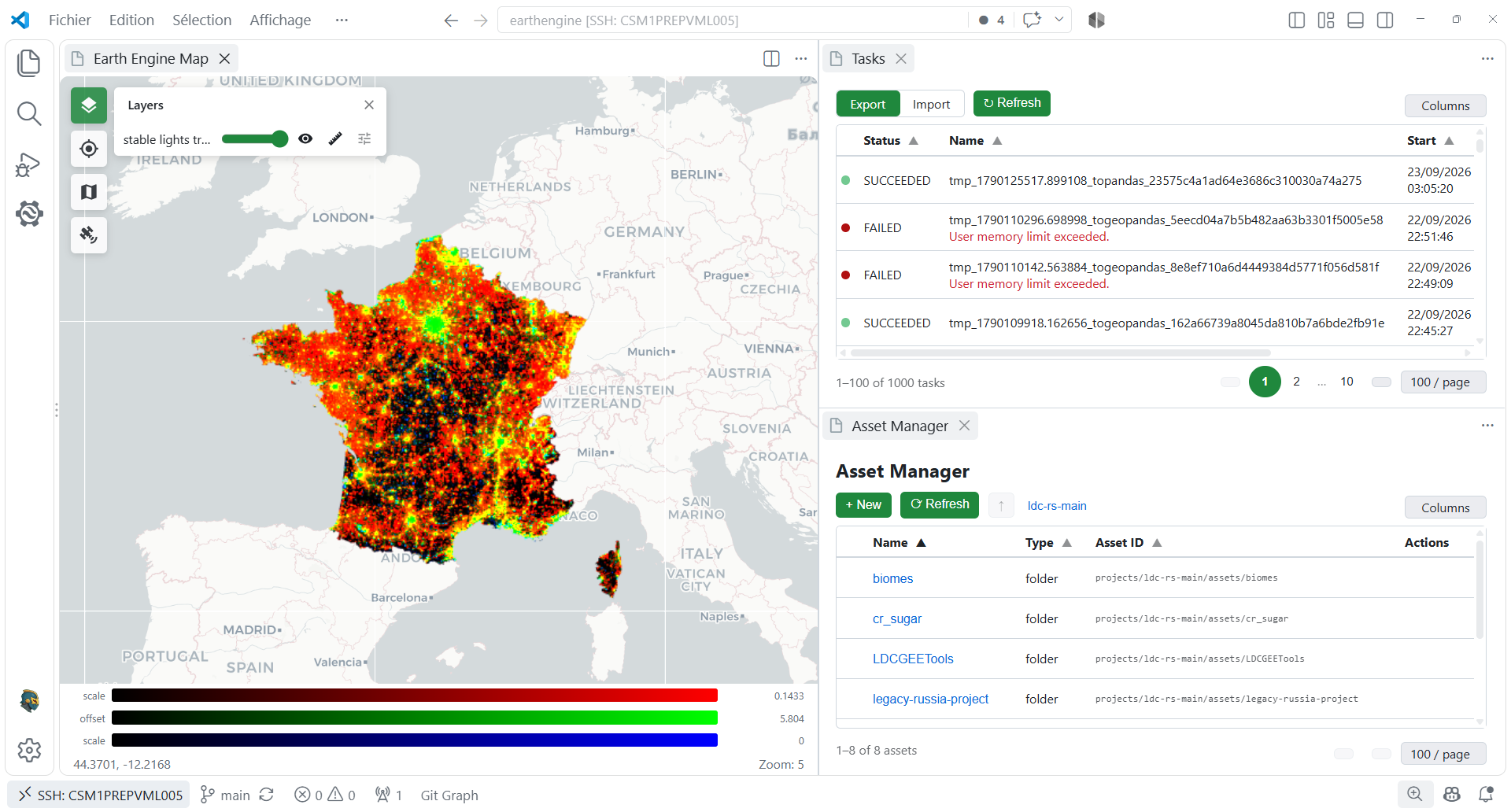
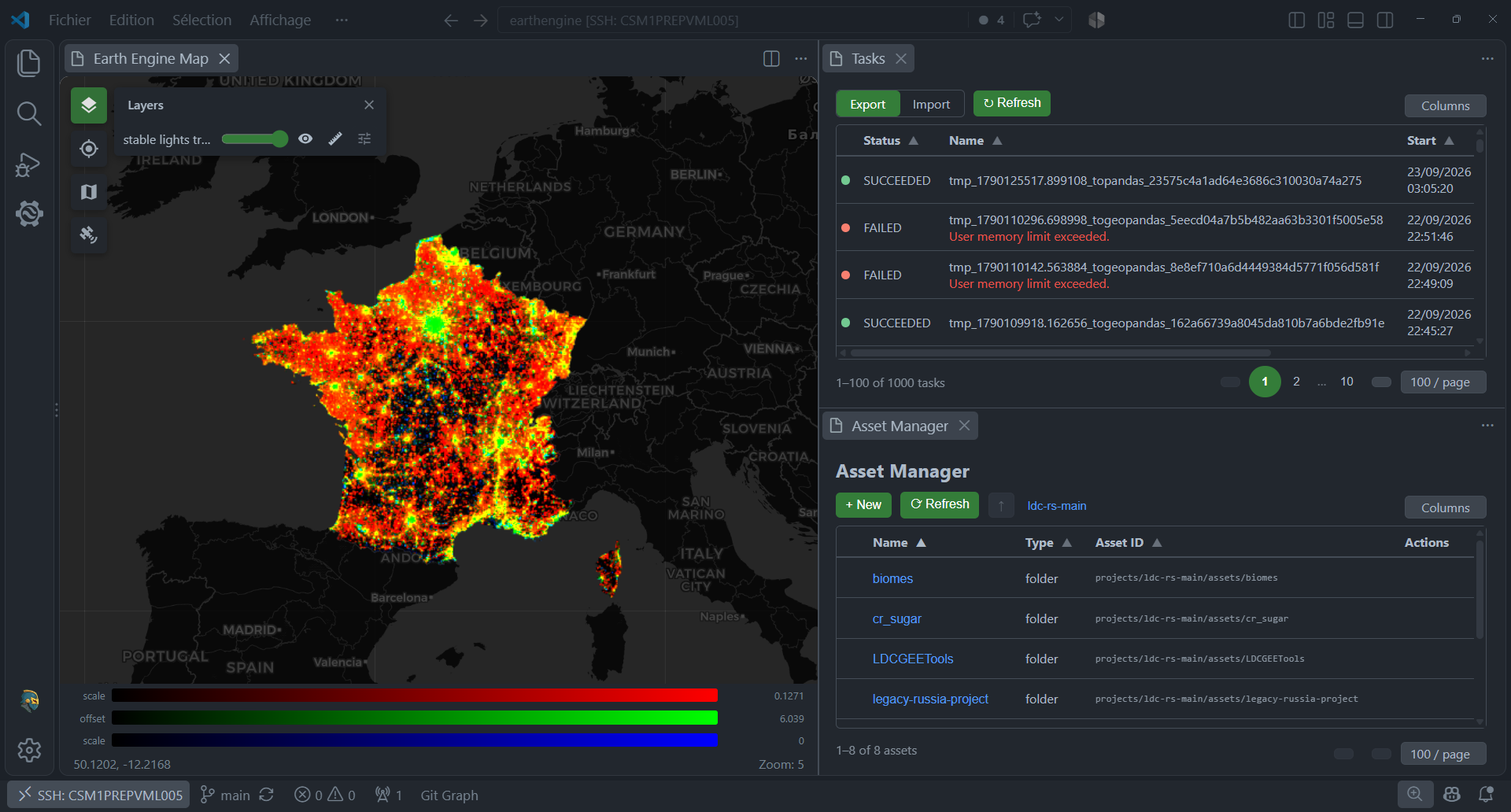
| Asset Manager | Assets title action | Sortable, paginated assets with breadcrumbs and management actions. |
| Image preview | Image context action | Thumbnail, description, bands with min/max values, and properties. |
| ImageCollection preview | ImageCollection context action | Mosaic thumbnail, child images, first-image bands, and properties. |
| Table preview | Table context action | Thumbnail, description, features, inferred columns, and properties. |
| Export Tasks | Export Tasks title action or EE Export panel | Sortable, paginated export operation table with live refresh. |
| Import Tasks | Import Tasks title action or EE Import panel | Sortable, paginated import operation table with live refresh. |
| Dataset details | Dataset context action | Dataset metadata, bands, properties, and copyable Earth Engine snippets. |
| Interactive Map | Profiles title action or command palette | Leaflet map, Earth Engine tiles, layer controls, inspector, scale, and visualisation editor. |
Each row links to its dedicated reference page; use the sidebar categories to browse the same architecture by surface type.
Python bridge
The vscee library lets Python scripts drive the
Interactive Map editor, mirroring the Map global of the
Earth Engine Code Editor.