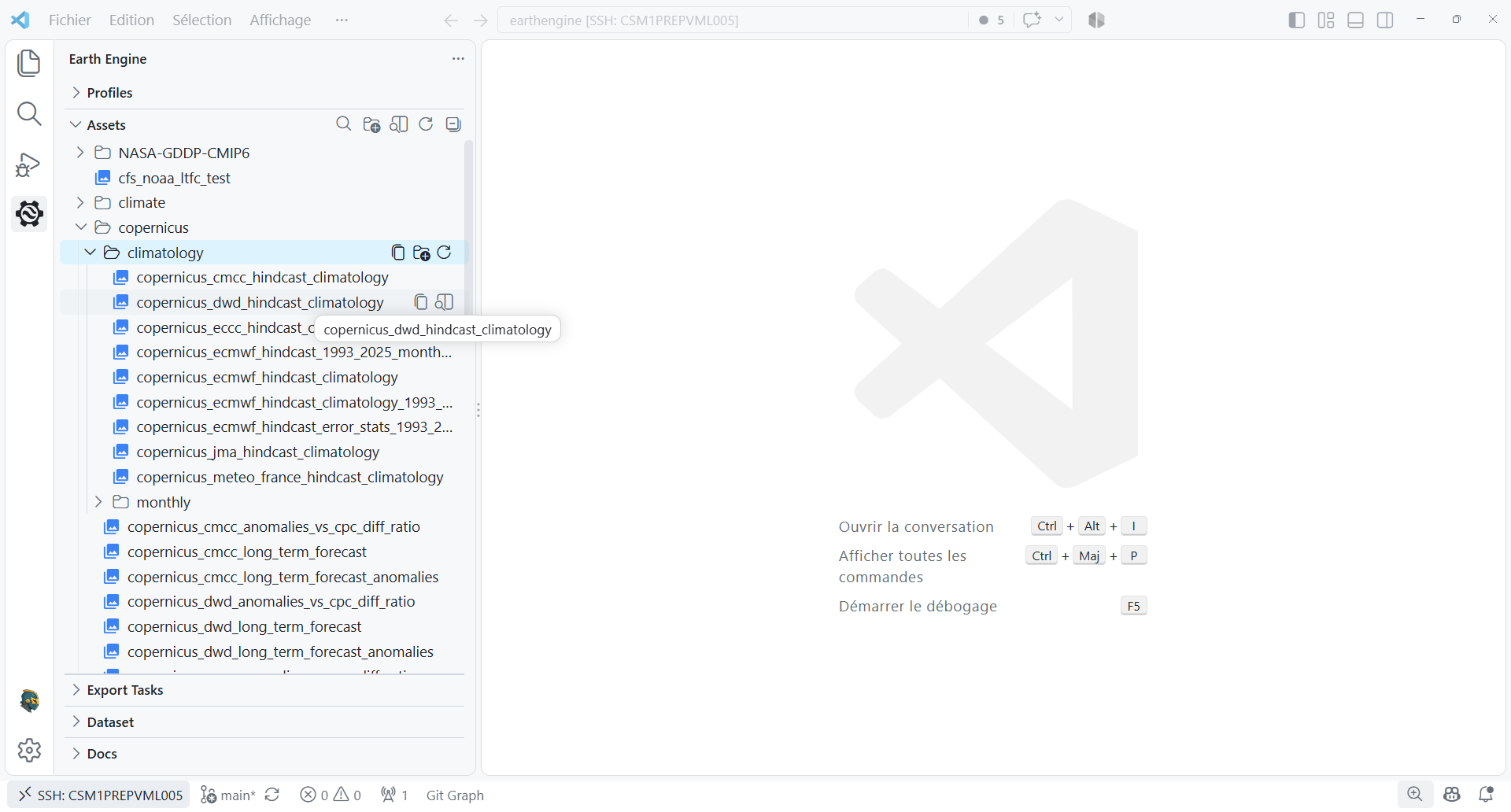
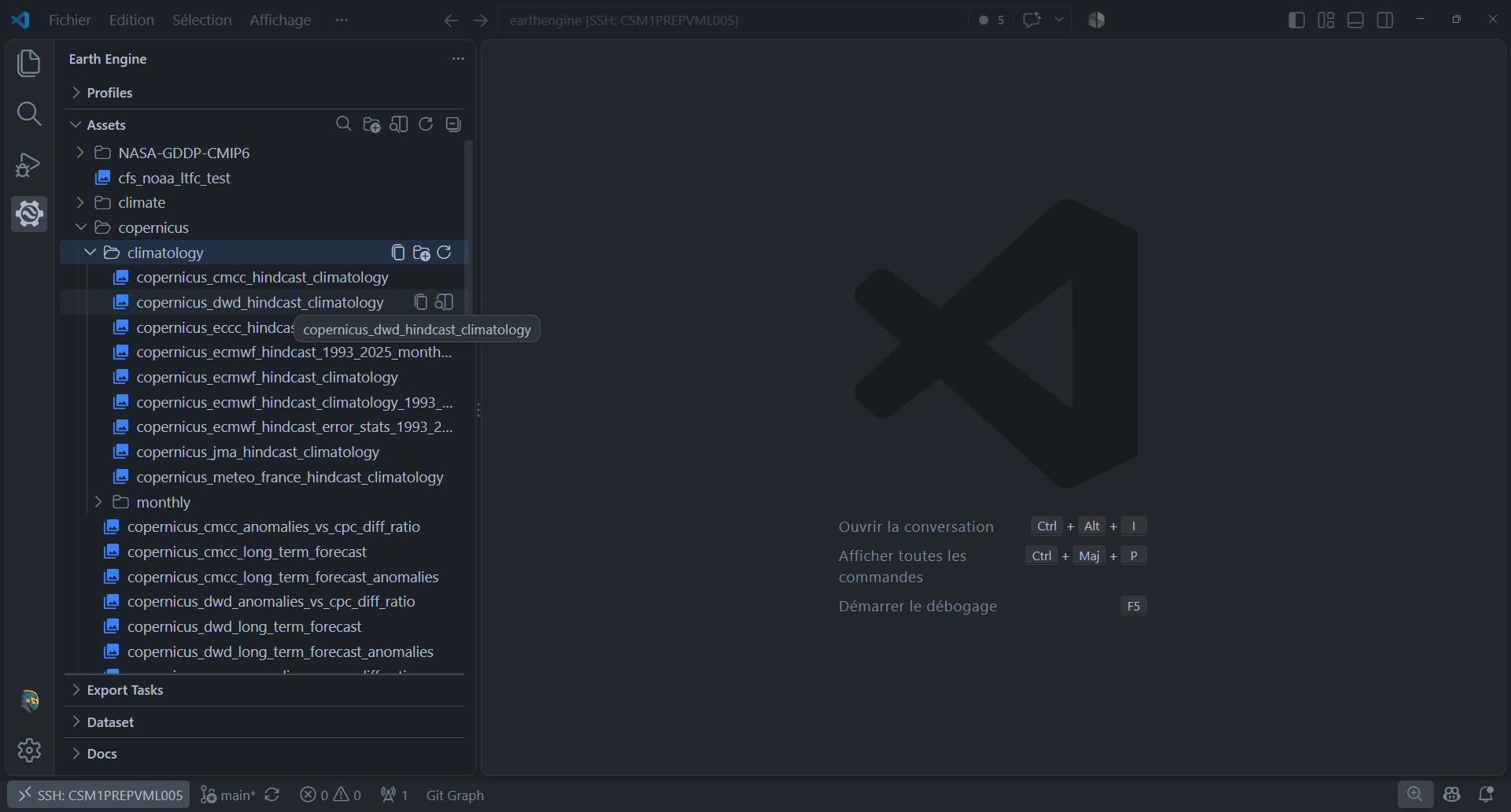
Assets section
The Assets sidebar section lazily browses the active project's Earth Engine hierarchy. It distinguishes folders, images, ImageCollections, and tables with type icons. Containers load in the background when expanded, so large libraries stay responsive.
The section title actions search or refresh assets, open the Asset Manager, and create folders. Item context actions can refresh a container, open an appropriate preview, copy an asset ID, or copy, move, and delete assets.