Profiles
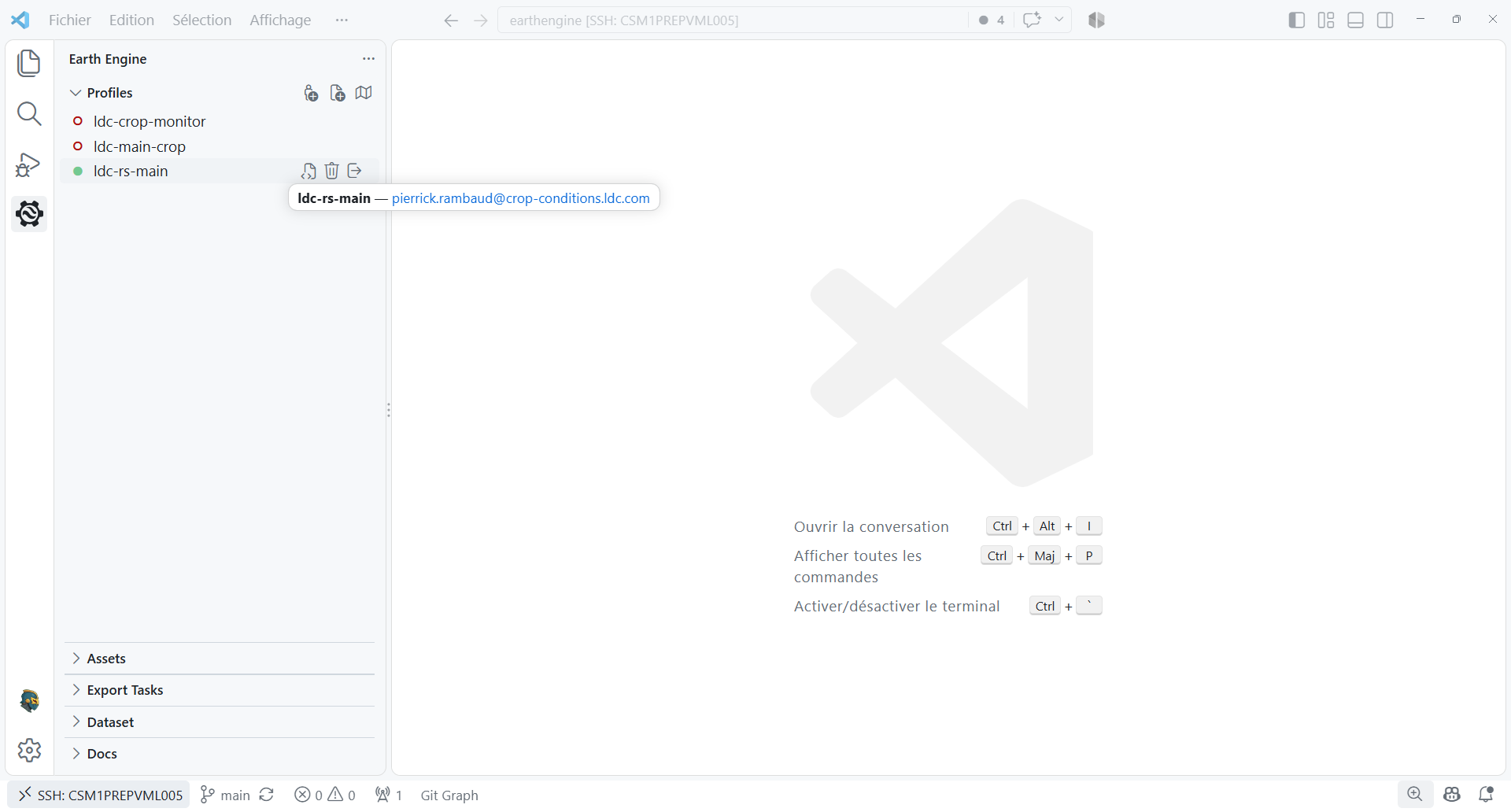
The Profiles sidebar section manages the credentials and Google Cloud project used by every Earth Engine request in the extension.
Use Add Profile for Google OAuth or Add Service Account for a service-account key — either pick a key file or paste the JSON content directly. Select a profile to make it active; the active state is marked in the tree. Context actions let you sign out, remove a profile, or create a Python script for the map bridge.
Credentials are stored under ~/.config/earthengine/profiles/, matching the Earth
Engine CLI location.
New Python Script
The New Python Script action creates and opens a .py file in the system temporary
directory, initialized with the selected profile's Earth Engine project and the
vscee.Map bridge. The extension does not delete the file when you close its editor or
remove a map layer, but the operating system may clear the temporary directory. Use
Save As (Ctrl+Shift+S) to save it in your project and keep it.
The script runs with the selected Python interpreter, so any imported packages
(including earthengine-api and vscee) must be installed in that environment. A
temporary file outside your project may not use the project's virtual environment; save
it into the project or install its dependencies in the Python environment used to run
it.
The generated project setting does not switch the Python API's authenticated user. Python uses the normal Earth Engine CLI credentials, so if the project requires another user, deauthenticate the current Earth Engine account and authenticate again as that user.